
Updates
Complete Guide to IPTV Service in USA: Top Providers & Setup Tips
Jul
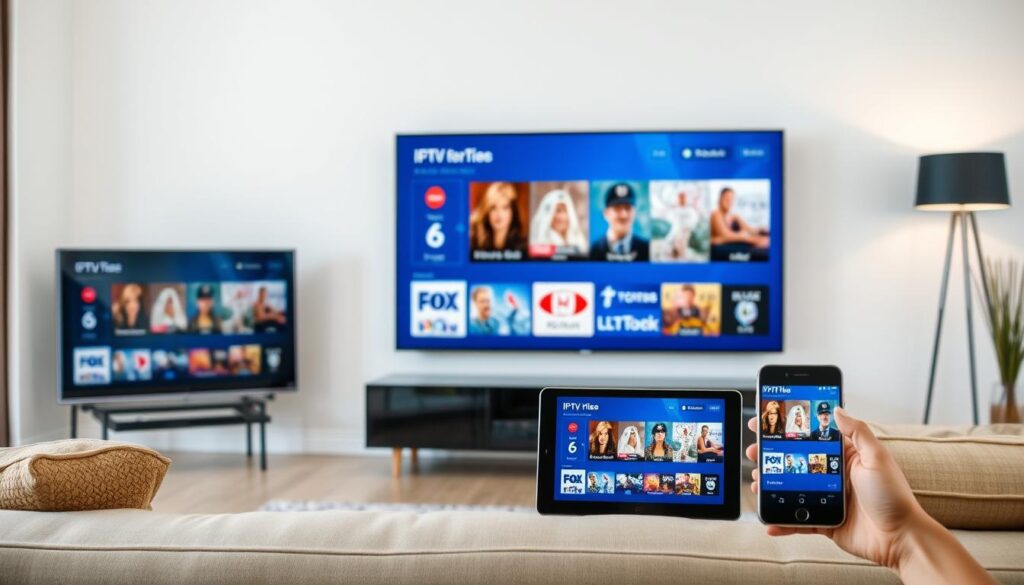
Internet Protocol Television (IPTV) has revolutionized how Americans consume TV content, offering an affordable alternative to traditional cable and satellite services. With thousands of live channels, on-demand movies, and TV shows available at a fraction of the cost, it’s no wonder IPTV services are gaining massive popularity across the USA. This comprehensive guide will walk you through everything you need to know about choosing and setting up the perfect IPTV service for your entertainment needs.
Whether you’re looking to cut the cord completely or simply exploring additional entertainment options, understanding how IPTV works, its legal landscape, and which providers offer the best value can save you hundreds of dollars annually while expanding your viewing options. Let’s dive into the world of IPTV and discover why millions of Americans are making the switch.
What is IPTV and Why is it Growing in Popularity?
IPTV (Internet Protocol Television) delivers television content over Internet Protocol networks instead of through traditional satellite or cable formats. Unlike conventional TV services that broadcast all channels simultaneously, IPTV sends only the channel you request, optimizing bandwidth usage and enabling more interactive features.
The IPTV market in the USA has experienced explosive growth, with industry analysts projecting continued expansion through 2025 and beyond. This surge in popularity stems from several key factors:
How IPTV Works
IPTV transforms traditional TV signals into small data packets transmitted over the internet. When you select a channel or on-demand content, your IPTV service retrieves the relevant data packets and reassembles them into viewable content on your screen. This technology enables:
- Live TV streaming from channels around the world
- Video on Demand (VOD) for movies and TV shows
- Time-shifted media for catching up on missed programs
- Interactive features not possible with traditional broadcasting
Why Americans Are Switching
The rapid adoption of IPTV service in USA households can be attributed to several compelling advantages:
- Significant cost savings compared to cable packages
- Access to international channels not available on domestic cable
- No long-term contracts or equipment rental fees
- Flexibility to watch on multiple devices anywhere
- Customizable channel lineups without paying for unwanted content
IPTV Requirements: To enjoy buffer-free IPTV streaming, you’ll need a high-speed internet connection (minimum 15 Mbps recommended), a compatible streaming device, and a subscription to an IPTV provider. Many services also recommend using a VPN for enhanced privacy and access to geo-restricted content.
Benefits of IPTV Over Traditional Cable/Satellite TV
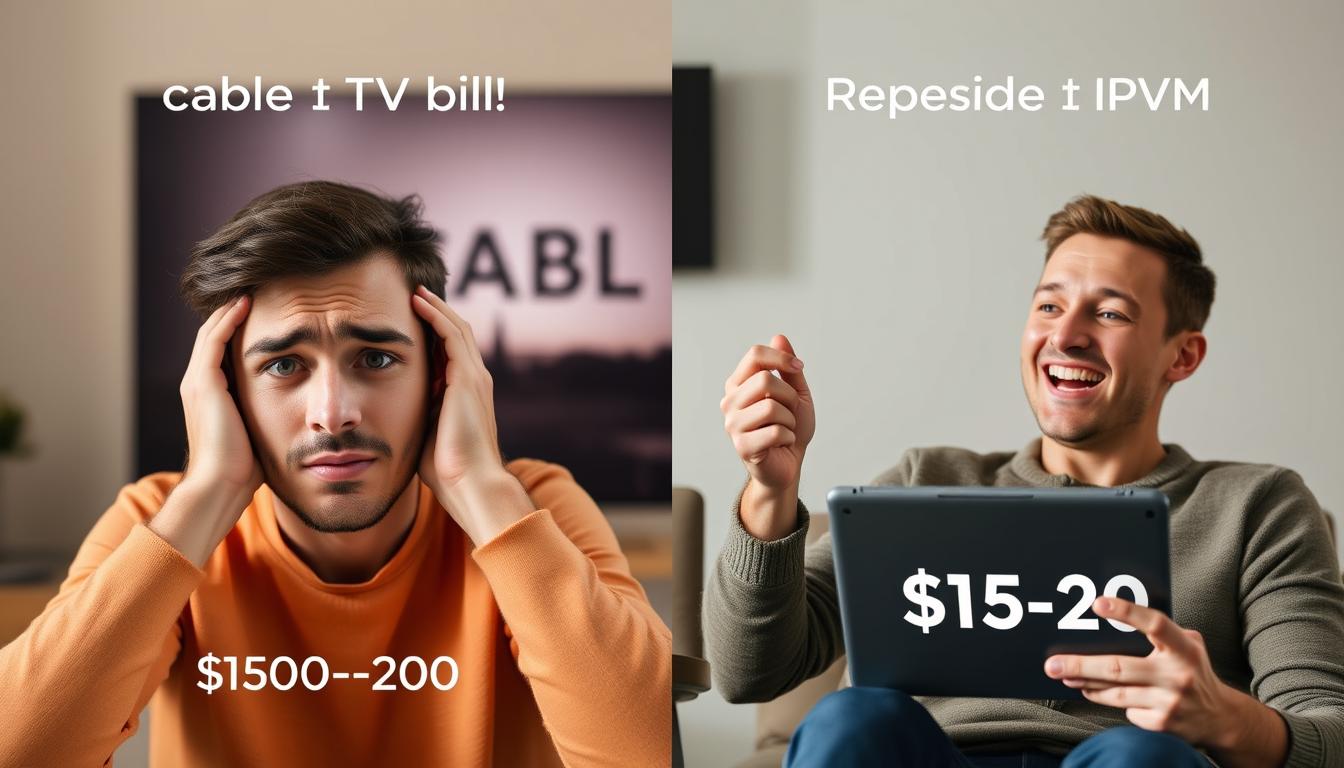
Making the switch from traditional TV services to IPTV offers numerous advantages that extend beyond just cost savings. Understanding these benefits can help you determine if IPTV is the right choice for your household entertainment needs.
Advantages of IPTV
- Cost-Effective: Save up to 80% compared to traditional cable packages
- Extensive Content Library: Access to 10,000+ channels and massive VOD libraries
- Global Programming: Watch international channels not available on domestic cable
- No Hardware Requirements: Eliminate equipment rental fees and installation costs
- Multi-Device Compatibility: Stream on TVs, smartphones, tablets, and computers
- On-Demand Viewing: Watch what you want, when you want
- No Contracts: Month-to-month subscriptions without long-term commitments
Limitations to Consider
- Internet Dependency: Requires stable high-speed internet connection
- Legal Considerations: Some services may operate in legal gray areas
- Quality Variations: Stream quality depends on provider and internet speed
- Technical Setup: May require some technical knowledge to configure
- Service Reliability: Quality and uptime can vary between providers
Real Cost Comparison
| Service Type | Average Monthly Cost | Equipment Fees | Contract Length | Channel Count | On-Demand Library |
| Traditional Cable | $85-120 | $5-15 per box | 12-24 months | 150-300 | Limited |
| Satellite TV | $65-130 | $5-15 per box | 24 months | 150-330 | Limited |
| Legal IPTV (YouTube TV, etc.) | $50-85 | None | Month-to-month | 85-100 | Moderate |
| Unverified IPTV Services | $8-20 | None | Month-to-month | 5,000-20,000+ | Extensive (30,000-100,000+ titles) |
“After switching from cable to IPTV, I’m saving over $1,200 annually while accessing more channels and content than I ever had before. The setup was surprisingly simple, and the streaming quality is excellent.”
How to Choose a Reliable IPTV Provider in the USA
With thousands of IPTV providers claiming to offer the best service, selecting a reliable option requires careful consideration of several key factors. This section will guide you through the essential criteria to evaluate when choosing an IPTV service in USA markets.
Key Factors to Consider
Content Library
- Channel Selection: Verify the availability of your must-have channels
- Local Stations: Check for USA local network coverage
- Sports Coverage: Ensure access to major leagues (NFL, NBA, MLB, NHL)
- VOD Library: Assess the size and quality of on-demand content
- Premium Channels: Confirm availability of HBO, Showtime, etc.
Technical Considerations
- Stream Quality: Look for HD/4K support
- Device Compatibility: Ensure it works with your preferred devices
- Concurrent Connections: Check how many simultaneous streams are allowed
- EPG (Electronic Program Guide): Verify availability and accuracy
- Anti-Buffering Technology: Essential for smooth viewing experience
Service & Support
- Uptime Reliability: Research provider’s stability record
- Customer Support: Test responsiveness before subscribing
- Free Trial: Always test before committing
- Payment Options: Check for secure payment methods
- Refund Policy: Understand the cancellation terms
Red Flags to Watch For
Be cautious of IPTV providers that exhibit these warning signs:
- No free trial or money-back guarantee
- Extremely low pricing (below $5/month)
- No customer support contact information
- Requests for unusual payment methods only
- Poor or non-existent reviews online
- Vague or missing information about channel lineup
- Pressure to purchase long-term subscriptions
- No secure website (missing https://)
Try Before You Commit
Most reputable IPTV providers offer a 24-hour free trial or money-back guarantee. Always test a service before committing to a longer subscription to ensure it meets your needs and expectations.
Legal Considerations for IPTV Services in the USA
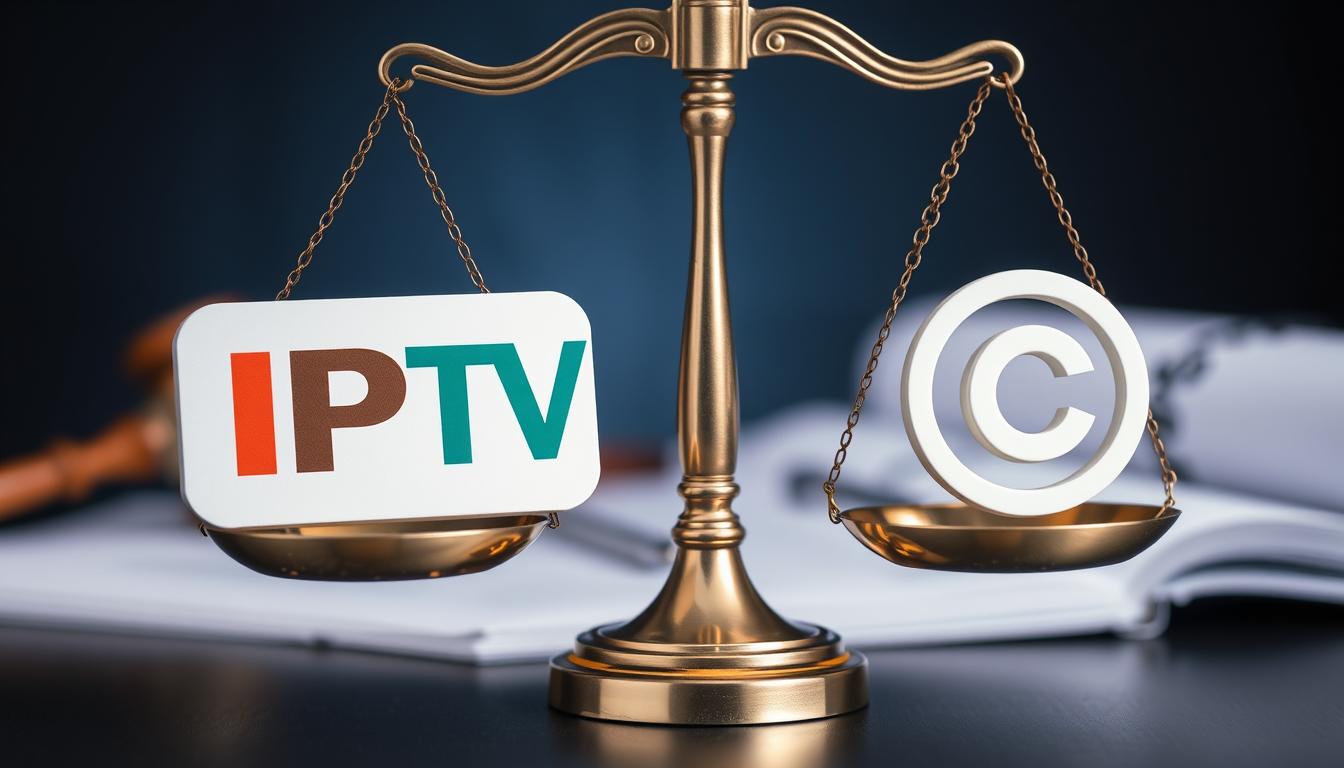
Understanding the legal landscape surrounding IPTV services is crucial for consumers. The legality of an IPTV service depends primarily on whether it has obtained proper licensing rights for the content it distributes.
Legal Disclaimer: This article is for informational purposes only and does not constitute legal advice. Consumers are responsible for ensuring they use properly licensed services in compliance with applicable laws.
Types of IPTV Services
Verified/Legal IPTV Services
These services have obtained proper licensing rights to distribute content and typically include:
- Available in official app stores (Google Play, Apple App Store)
- Operated by recognized companies
- Higher pricing reflecting licensing costs
- Examples: YouTube TV, Hulu Live, Sling TV, fuboTV
Unverified IPTV Services
These services may operate in legal gray areas:
- Not available in official app stores
- Require side-loading or third-party apps
- Significantly lower pricing
- Unclear licensing status
- May require VPN for access
Legal Risks for Consumers
While legal action against individual IPTV users is relatively rare compared to actions against service providers, consumers should be aware of potential risks:
- Copyright infringement claims from content owners
- Service disruption if providers are shut down
- Potential loss of subscription payments if service is terminated
- Privacy concerns with unverified services
Protecting Yourself
If you choose to use IPTV services, consider these precautions:
- Use a reputable VPN service to protect your privacy
- Opt for month-to-month subscriptions rather than long-term commitments
- Use secure payment methods that offer buyer protection
- Consider verified services for peace of mind
- Research provider reputation thoroughly before subscribing
“The distinction between legal and illegal IPTV services isn’t always clear-cut. The safest approach is to use services available through official app stores or those operated by established media companies with transparent licensing agreements.”
Top 5 IPTV Service Providers Available in the USA
After extensive testing and research, we’ve identified the top IPTV services available to USA customers. Each provider has been evaluated based on content library, streaming quality, device compatibility, customer support, and value for money. Here’s our breakdown of the best options currently available:
| Provider | Monthly Price | Channels | VOD Library | Free Trial | Connections | Key Features |
| BRAVEO IPTV | $9 | 20,000+ | 100,000+ titles | 36-hour ($3) | 1 (more available) | Buffer-free technology, custom app, catch-up TV |
| CatchON TV | $29 | 6,000+ | 90,000+ titles | 3-day free | 1 standard | Custom APK, 24/7 support, high-quality streams |
| ITTechBasics | $50 | 16,000+ | 35,000+ titles | 36-hour ($5) | 1 (more available) | Buffer-free technology, compatible with all players |
| LemoTV | $50 | 18,000+ | 68,000+ titles | 36-hour free | 1 | Affordable pricing, extensive channel selection |
| Apollo Group TV | $28 | 5,000+ | 5,000+ titles | 10-day free | 5 | Standalone app, multiple connections, reliable service |
Detailed Provider Reviews
1. XtremeHD IPTV
XtremeHD has established itself as a premium IPTV service in the USA market, offering an impressive combination of extensive content and reliable performance. With over 20,000 channels and 70,000+ on-demand titles, it provides one of the most comprehensive content libraries available.
Key Features:
- Buffer-free streaming technology
- Custom APK for enhanced user experience
- Catch-up TV functionality
- 24/7 customer support via live chat and email
- Sports & PPV events included
- Compatible with all major streaming devices
Pros
- Extensive channel selection
- High-quality HD and 4K streams
- Excellent customer support
- Reliable uptime
- Regular content updates
Cons
- Higher price point than some competitors
- Only one connection with standard plan
- Paid trial rather than free
2. CatchON TV
CatchON TV has quickly gained popularity as a reliable IPTV service that offers a quality experience across all content categories. While its channel count is lower than some competitors, the focus on quality over quantity results in more reliable streams and better overall performance.
Key Features:
- Custom APK for optimized viewing
- Massive VOD library (90,000+ titles)
- 24/7 radio stations
- Electronic Program Guide (EPG)
- 24/7 customer support
- 3-day free trial
Pros
- Excellent streaming quality
- User-friendly interface
- Generous free trial period
- Responsive customer support
- Regular content updates
Cons
- Fewer channels than some competitors
- Higher monthly price
- Limited to one connection on standard plan
3. ITTechBasics
ITTechBasics offers an excellent balance of affordability and quality, making it a popular choice for budget-conscious consumers who don’t want to compromise on content or performance. At under $9 per month, it provides exceptional value while maintaining high standards for streaming quality and reliability.
Key Features:
- Buffer-free technology for smooth streaming
- Compatible with popular IPTV players
- Extensive sports coverage
- Affordable pricing
- Regular content updates
- 36-hour trial available
Pros
- Excellent value for money
- Reliable streaming quality
- Good selection of channels
- Works with all major IPTV players
- Strong sports coverage
Cons
- Smaller VOD library than premium options
- Paid trial rather than free
- Customer support could be more responsive
Looking for Legal IPTV Alternatives?
If you prefer verified services with guaranteed legal compliance, consider these popular options: YouTube TV ($72.99/month), Hulu + Live TV ($76.99/month), Sling TV (from $40/month), or fuboTV (from $79.99/month).
Step-by-Step Guide to Setting Up IPTV on Common Devices
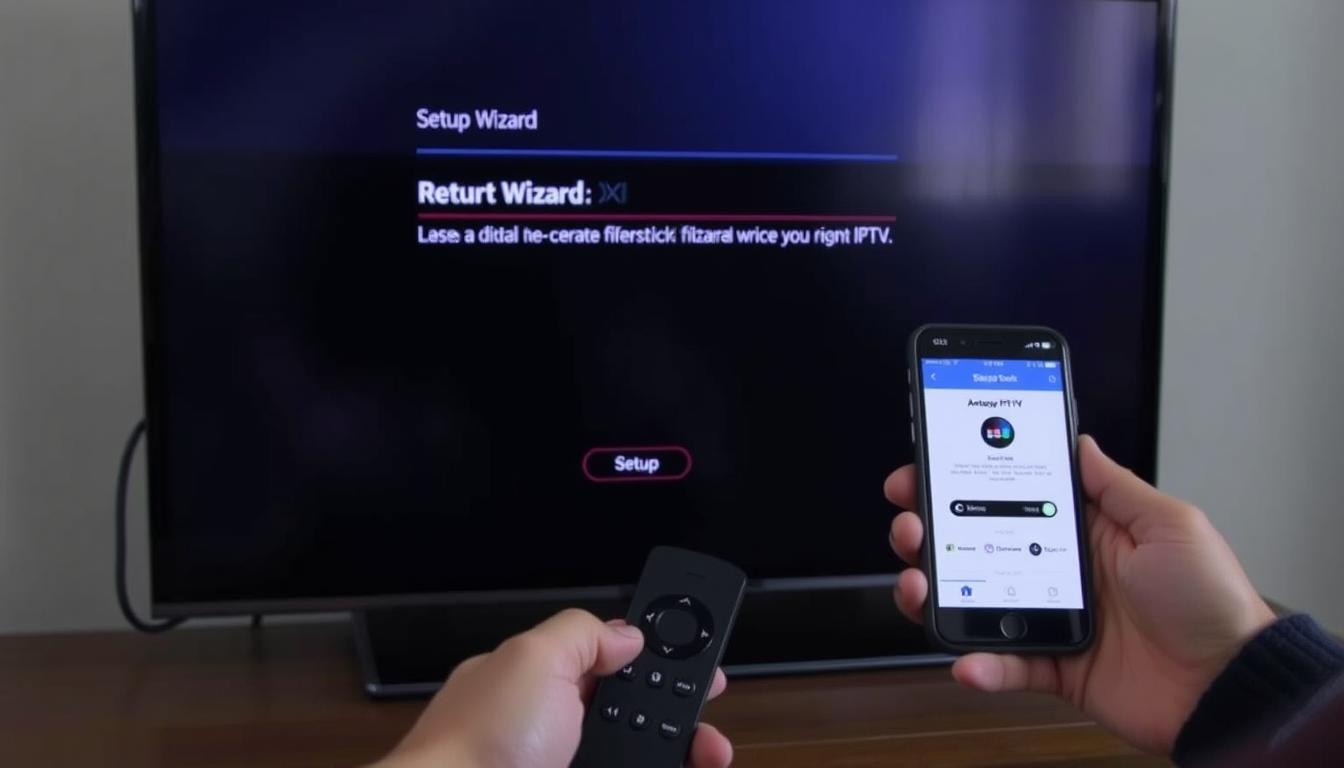
Setting up IPTV on your preferred device is generally straightforward, though the specific steps vary depending on your hardware. This guide covers the most common devices used for IPTV streaming in the USA.
Before You Begin: Make sure you have an active IPTV subscription with login credentials (username/password or M3U URL/playlist) and a stable internet connection of at least 15 Mbps for HD streaming.
Setting Up IPTV on Amazon Firestick/Fire TV
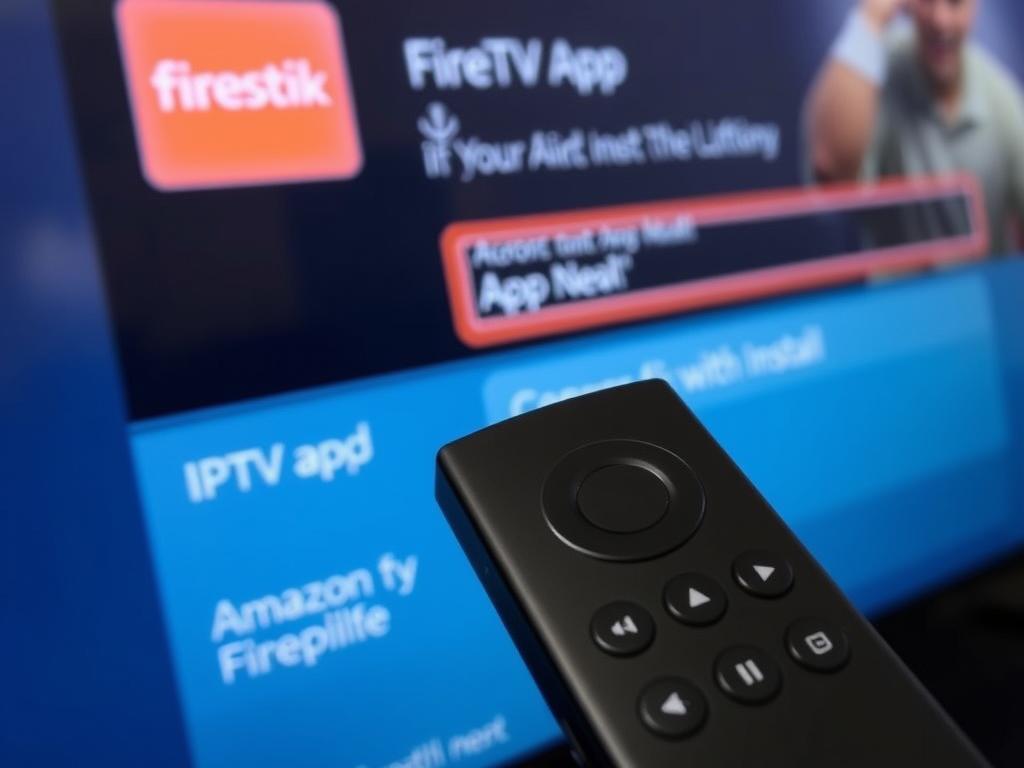
The Amazon Firestick is one of the most popular devices for IPTV streaming due to its affordability and ease of use.
- Enable Apps from Unknown Sources:
- Go to Settings > My Fire TV > Developer Options
- Turn on “Apps from Unknown Sources”
- Install Downloader App:
- Go to the Search function on your Fire TV
- Search for “Downloader” and install the official Downloader app
- Install IPTV Player:
- Open Downloader and enter the URL for your preferred IPTV player (e.g., IPTV Smarters Pro, TiviMate)
- Download and install the APK file
- Configure Your IPTV Service:
- Open the installed IPTV player app
- Select “Add New Playlist” or similar option
- Enter your IPTV service credentials (URL/username/password)
- Save and wait for the channel list to load
- Organize and Enjoy:
- Create favorites for easy access to preferred channels
- Explore categories (Sports, News, Entertainment, etc.)
- Adjust settings for optimal performance
Setting Up IPTV on Android TV/Box
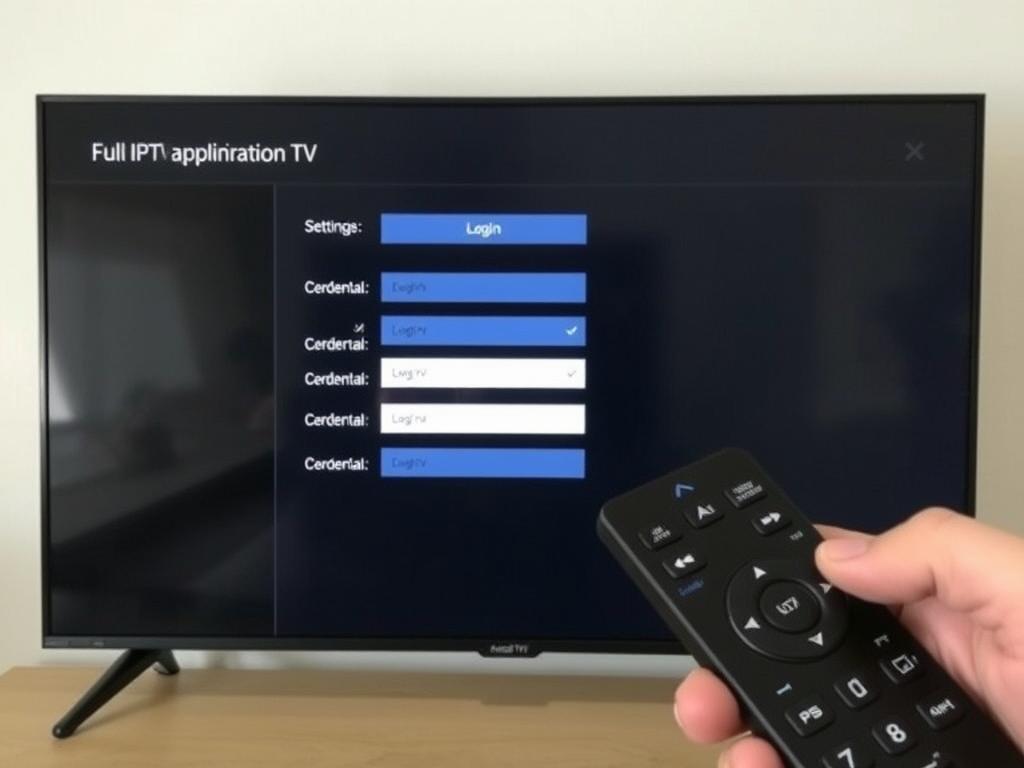
Android-based devices offer the most flexibility for IPTV setup with easy access to various players through the Google Play Store.
- Install IPTV Player:
- Open Google Play Store on your Android TV/Box
- Search for an IPTV player (IPTV Smarters Pro, TiviMate, Perfect Player)
- Install your preferred player
- Launch the IPTV Player:
- Open the installed app
- Select “Add Playlist” or “Add New Subscription”
- Enter Your IPTV Details:
- Choose between Xtream Codes API or M3U URL (depending on your provider)
- Enter the server URL, username, and password provided by your IPTV service
- Name your playlist for easy identification
- Configure EPG (Electronic Program Guide):
- If your provider offers EPG, enter the EPG URL in the settings
- Set EPG to update automatically
- Customize Your Experience:
- Adjust video quality settings based on your internet speed
- Organize channels into favorites
- Set up parental controls if needed
Setting Up IPTV on Smart TVs
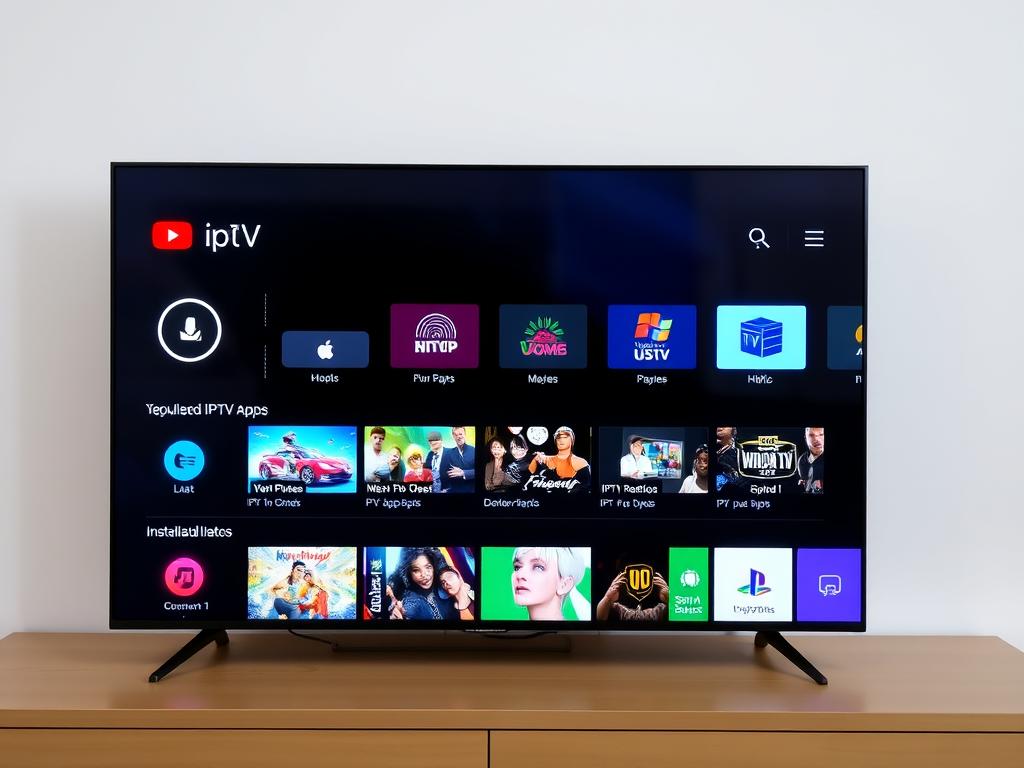
Setup varies depending on your Smart TV’s operating system (Samsung Tizen, LG webOS, etc.), but the general process is similar.
- Access Your TV’s App Store:
- Samsung: Open the Samsung App Store
- LG: Open LG Content Store
- Other brands: Locate your TV’s app marketplace
- Search for IPTV Players:
- Search for “IPTV” or specific player names
- Common options include SS IPTV, Smart IPTV, or IPTV Smarters
- Install and Launch the App:
- Download and install your chosen IPTV player
- Open the app once installation is complete
- Configure Your Service:
- Follow on-screen instructions to add your playlist
- Enter M3U URL or scan QR code (if provided by your service)
- Some apps may require activation via their website
- Optimize Settings:
- Adjust buffer size if experiencing playback issues
- Set preferred video quality
- Configure EPG for channel information
Setting Up IPTV on iOS/iPhone/iPad
iOS devices require specific IPTV players available in the App Store, as side-loading apps is more restricted than on Android.
- Download an IPTV Player:
- Open the App Store on your iOS device
- Search for compatible IPTV players (GSE Smart IPTV, IPTV Smarters, iPlayTV)
- Download and install your preferred app
- Launch the IPTV Player:
- Open the installed app
- Navigate to the playlist or settings section
- Add Your IPTV Subscription:
- Select “Add Playlist” or similar option
- Choose between M3U URL or Xtream Codes API
- Enter the details provided by your IPTV service
- Configure Additional Settings:
- Set up EPG if available
- Adjust video quality settings
- Enable/disable hardware acceleration
- AirPlay to Apple TV (Optional):
- To watch on a larger screen, use AirPlay to stream to Apple TV
- Swipe up (or down on newer iOS) to access Control Center
- Tap AirPlay and select your Apple TV
Need Help Setting Up Your IPTV Service?
Most IPTV providers offer detailed setup guides specific to their service. Contact your provider’s customer support for personalized assistance with configuration on your specific device.
Troubleshooting Common IPTV Issues
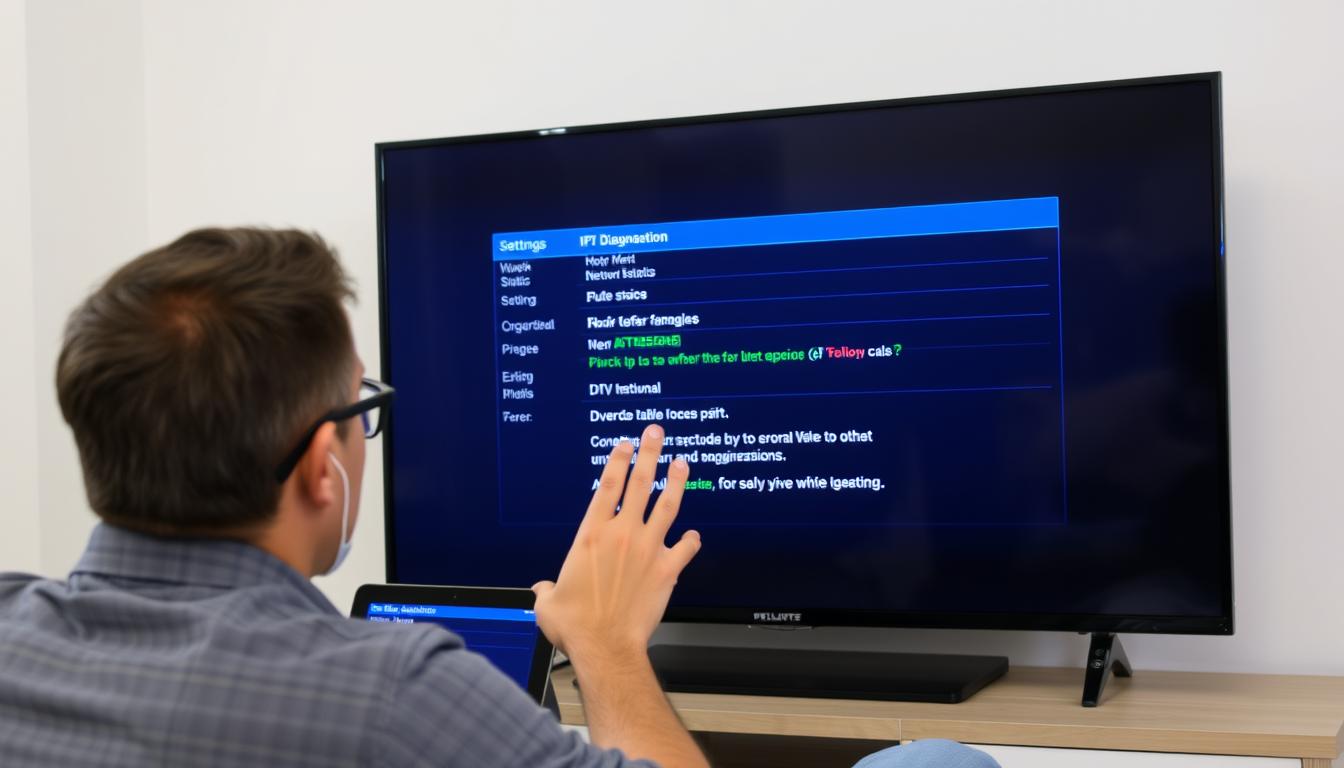
Even with the best IPTV service in USA markets, you may occasionally encounter technical issues. Here are solutions to the most common problems:
Buffering or Freezing Issues
Possible Causes:
- Insufficient internet bandwidth
- Network congestion
- Server overload
- Outdated app or device
Solutions:
- Check your internet speed (minimum 15 Mbps recommended)
- Reduce the number of devices using your network
- Try a different server if your provider offers multiple options
- Lower the stream quality in your IPTV app settings
- Increase buffer size in advanced settings
- Use a wired ethernet connection instead of Wi-Fi
- Restart your router and streaming device
Channels Not Loading
Possible Causes:
- Expired subscription
- Server maintenance
- Incorrect login credentials
- Geo-restrictions
Solutions:
- Verify your subscription is active and paid
- Double-check username and password
- Contact your provider to confirm server status
- Try using a VPN if channels are geo-restricted
- Clear cache and data in your IPTV app
- Reinstall the IPTV application
Poor Video Quality
Possible Causes:
- Low-quality source stream
- Bandwidth limitations
- Automatic quality adjustment
- Hardware limitations
Solutions:
- Check if higher quality options are available in settings
- Ensure your device supports HD/4K playback
- Upgrade your internet plan for better speeds
- Try a different IPTV player that offers better decoding
- Use a more powerful streaming device
EPG (TV Guide) Not Working
Possible Causes:
- Incorrect EPG URL
- EPG data not updated
- Incompatible format
- App configuration issues
Solutions:
- Verify EPG URL in app settings
- Manually update EPG data
- Contact your provider for correct EPG information
- Try a different IPTV player with better EPG support
- Set automatic EPG updates in settings
Pro Tip: Many IPTV issues can be resolved with a simple restart. Try turning off your device, unplugging it for 30 seconds, and then restarting. This clears temporary memory and often resolves minor glitches.
Why Using a VPN with IPTV Services is Recommended
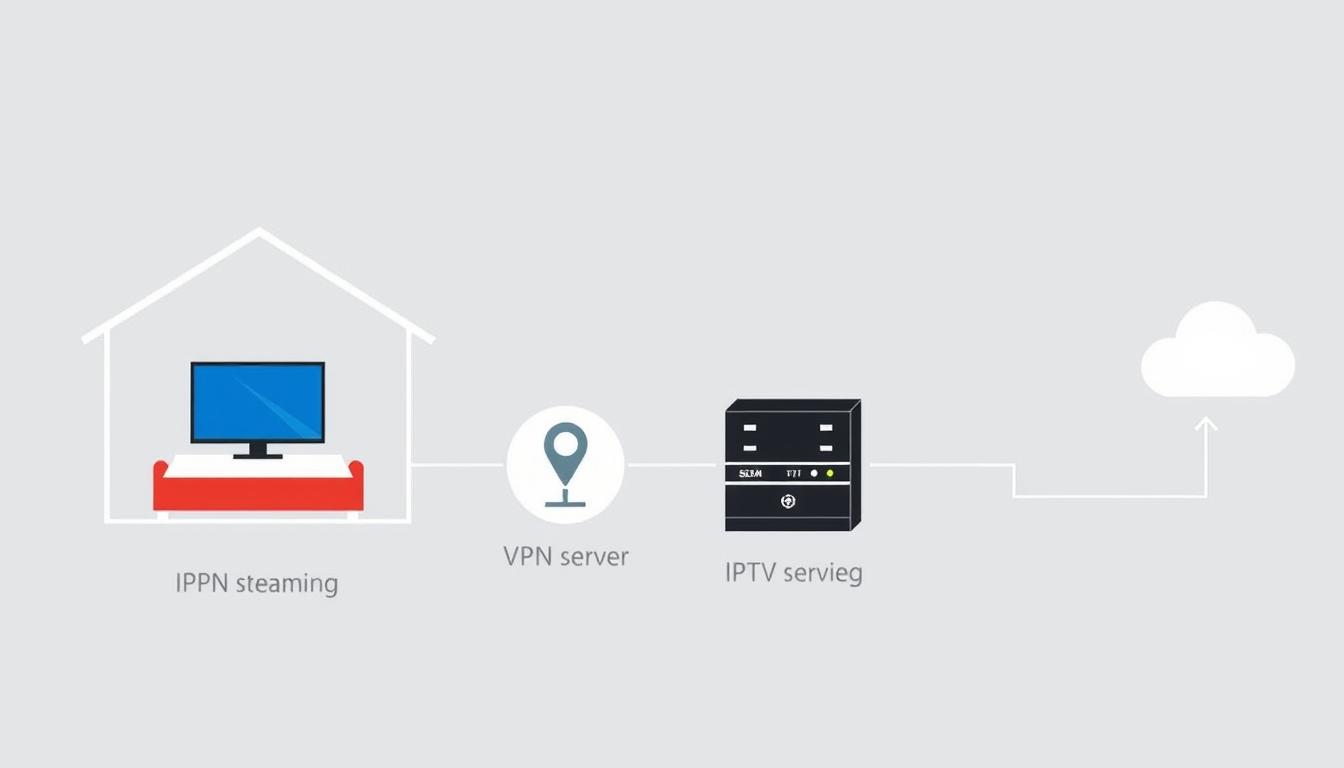
Using a Virtual Private Network (VPN) with your IPTV service in USA offers several important benefits that enhance both your viewing experience and online security.
Privacy and Security Benefits
- Anonymizes Your Streaming: Prevents your ISP from monitoring your IPTV usage
- Encrypts Your Connection: Protects your personal data from potential hackers
- Prevents Bandwidth Throttling: Stops ISPs from slowing down your streaming speeds
- Masks Your IP Address: Adds an extra layer of privacy protection
- Secures Public Wi-Fi Usage: Allows safe IPTV streaming when using public networks
Content Access Benefits
- Bypasses Geo-Restrictions: Accesses region-locked content
- Avoids ISP Blocking: Circumvents potential service restrictions
- Reduces Buffering: Some VPNs can improve routing and reduce buffering
- Enables Access to Global Content: Connects to servers worldwide for diverse content
- Prevents Port Blocking: Overcomes technical restrictions some ISPs implement
Recommended VPN Features for IPTV
| Feature | Why It’s Important |
| No-Logs Policy | Ensures your streaming activity isn’t recorded or stored |
| High-Speed Servers | Minimizes impact on streaming quality and prevents buffering |
| Unlimited Bandwidth | Allows unlimited HD/4K streaming without data caps |
| Multiple Device Support | Protects all your streaming devices with one subscription |
| Kill Switch | Prevents data exposure if VPN connection drops |
| Split Tunneling | Routes only IPTV traffic through VPN for better performance |
“Using a VPN with IPTV isn’t just about accessing more content—it’s about protecting your privacy and ensuring a more stable, consistent streaming experience regardless of your location or internet service provider.”
Enhance Your IPTV Experience with VPN Protection
For the best IPTV streaming experience, consider using a reputable VPN service that offers high speeds, strong encryption, and a strict no-logs policy to protect your privacy while accessing your favorite content.
Conclusion: Making the Right IPTV Choice for Your Needs

IPTV services offer an exciting alternative to traditional cable and satellite TV, providing unprecedented content variety at a fraction of the cost. As we’ve explored throughout this guide, the IPTV service in USA market offers options for every budget and viewing preference.
Key Takeaways
- Cost Savings: IPTV can save you hundreds or even thousands of dollars annually compared to traditional TV services
- Content Variety: Access to thousands of channels and on-demand content from around the world
- Flexibility: Watch on multiple devices with no long-term contracts or equipment rental fees
- Legal Considerations: Understand the distinction between verified and unverified services
- Technical Requirements: Ensure you have adequate internet speed (15+ Mbps) and compatible devices
- Security: Consider using a VPN for enhanced privacy and access
Final Recommendations
Best Overall Value
- XtremeHD IPTV
- Extensive channel lineup
- Excellent streaming quality
- Reliable performance
- Strong customer support
- Reasonable pricing
Best Budget Option
- LemoTV
- Affordable monthly cost
- Impressive channel selection
- Good streaming quality
- Free trial available
- Basic but functional interface
Best Premium Experience
- Apollo Group TV
- 5 simultaneous connections
- Custom standalone app
- High-quality streams
- Excellent reliability
- Generous free trial period
When selecting an IPTV service, prioritize reliability, content selection, and customer support over simply choosing the cheapest option. Take advantage of free trials to test performance before committing to a subscription, and consider starting with a month-to-month plan rather than paying for a full year upfront.
Remember that the IPTV landscape is constantly evolving, with providers regularly updating their offerings, adjusting prices, and improving features. Stay informed about changes in the industry and be prepared to switch providers if service quality declines or better options become available.
Ready to Cut the Cord?
Start your IPTV journey today with a free trial from one of our top-recommended providers. Experience the freedom of affordable, flexible TV viewing with thousands of channels at your fingertips.
